How to use wireless charger??
Posted by Jebin Khan on
Charge wirelessly
- Connect your charger to power. Use the power adapter that came with your accessory or a power adapter recommended by the manufacturer.
- Place the charger on a level surface or other location recommended by the manufacturer.
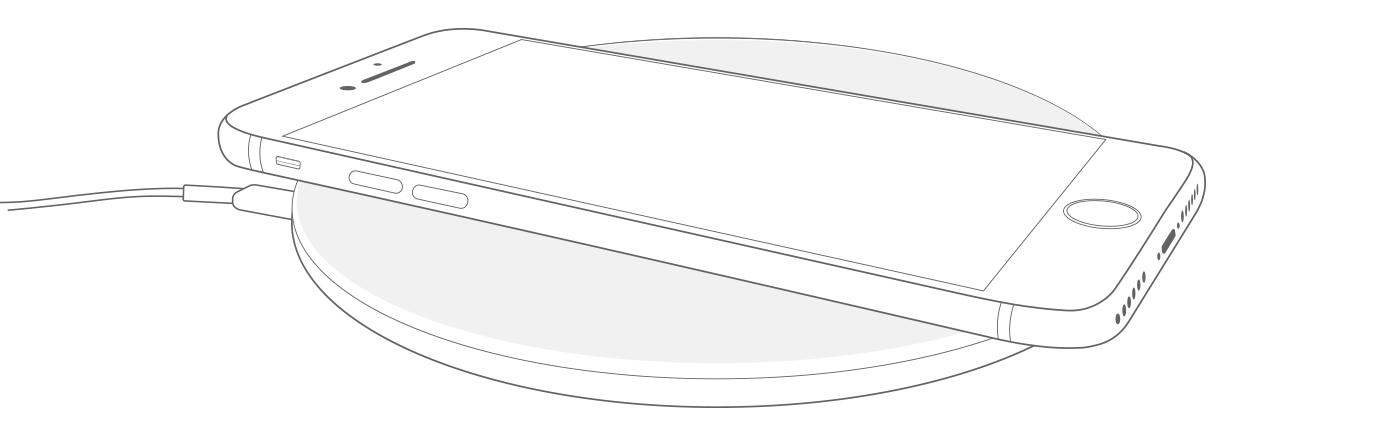
- Place your iPhone on the charger with the display facing up. For best performance, place it in the center of the charger or in the location recommended by the manufacturer.
- Your iPhone should start charging a few seconds after you place it on your wireless charger.